Solid block — safest for private data
Replaces the area completely, so nothing can be recovered. Best for passwords, card numbers, account details and addresses.
FREE TEXT BLUR TOOL
Draw a box over any text and blur it, pixelate it or cover it with a solid block. Hide private details before you share a screenshot or photo. Free, and your image never leaves your browser.
Choose a screenshot or photo to blur, pixelate or cover text. Nothing leaves your browser.
MADE WITH THIS TOOL
Each example was made with the tool above. All names and numbers are made up.
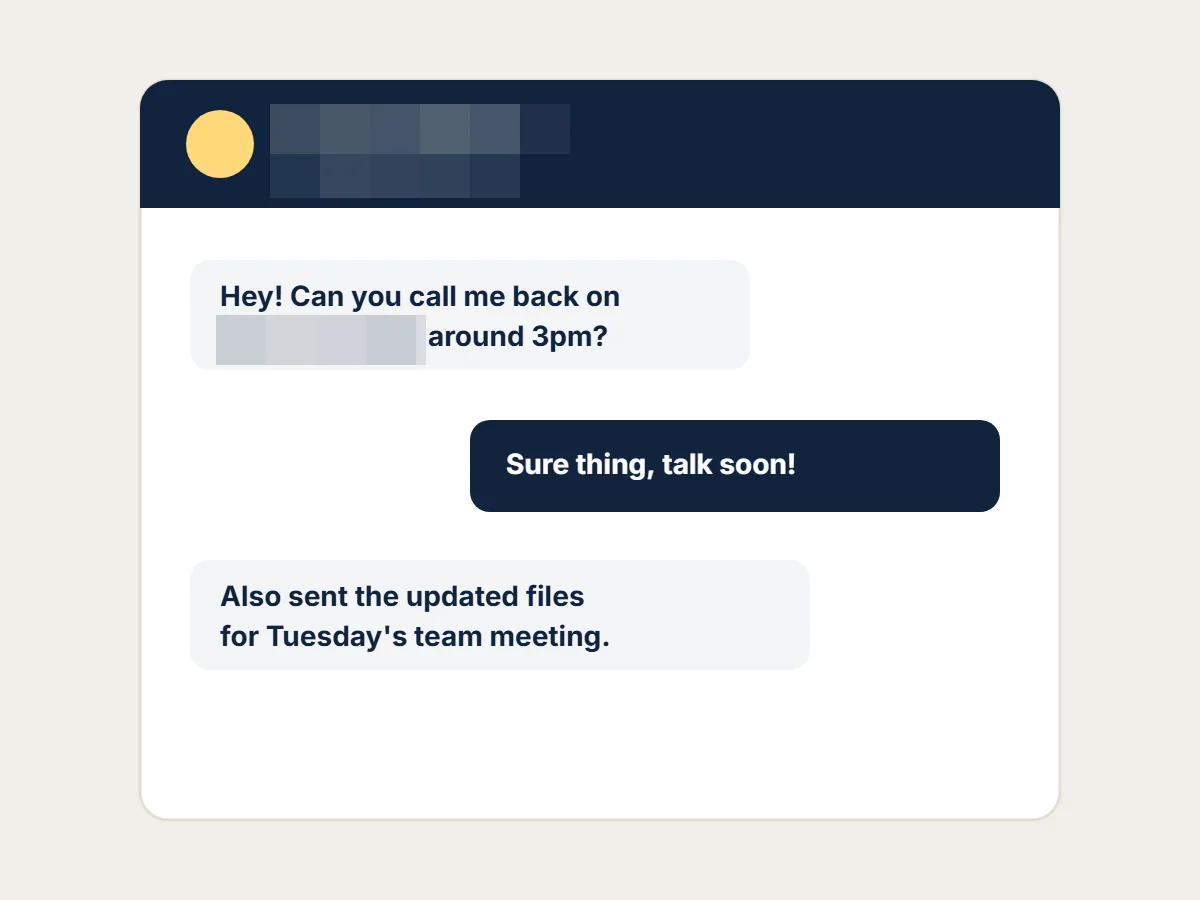
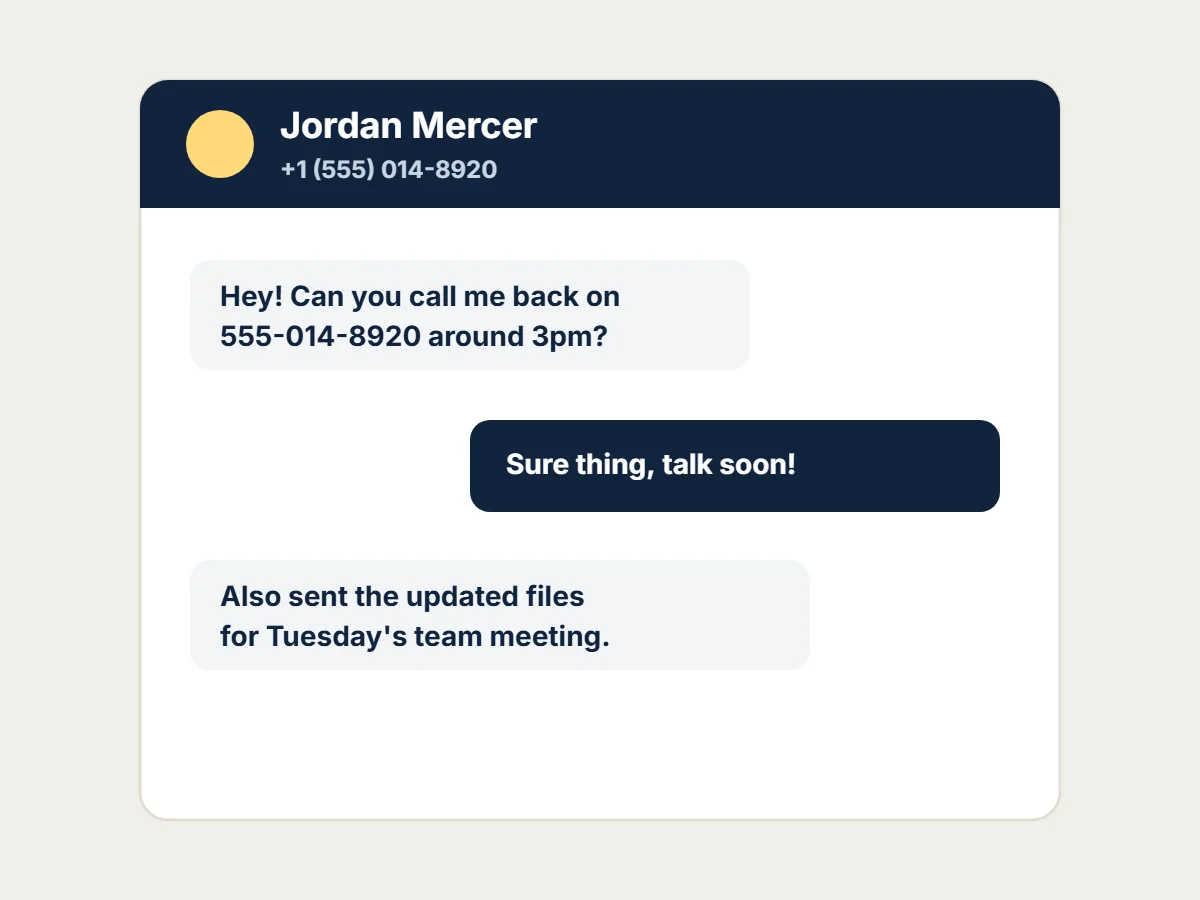
Contact name and phone number pixelated before sharing.
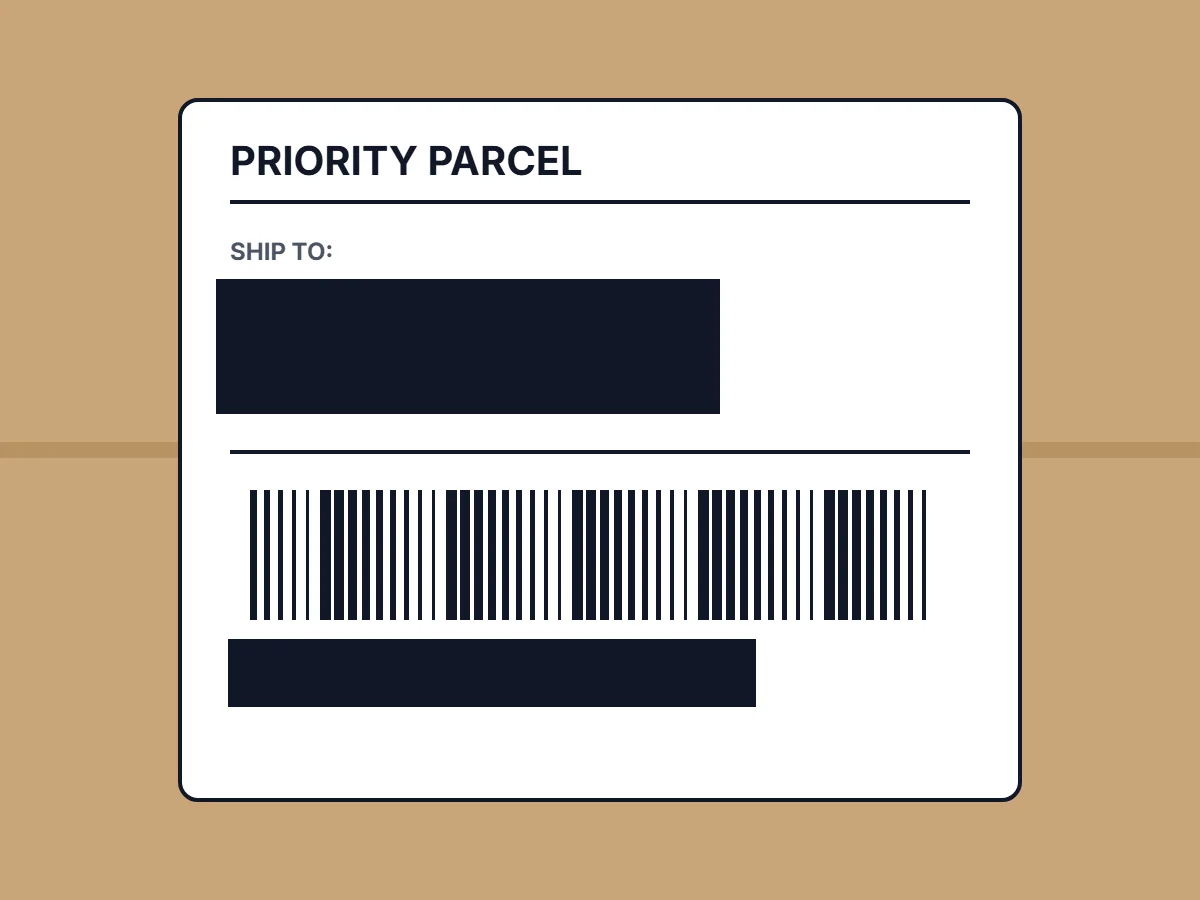
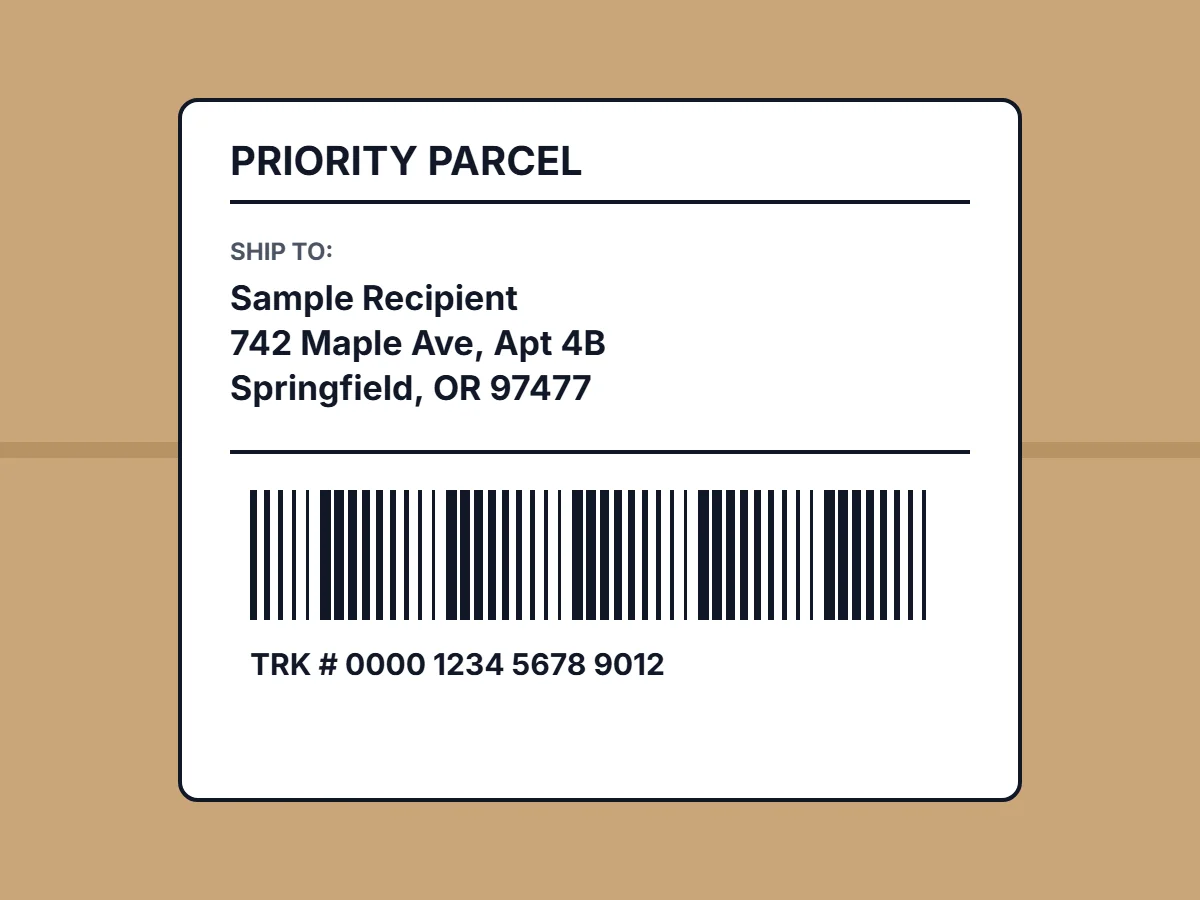
Address and tracking number covered with solid blocks.
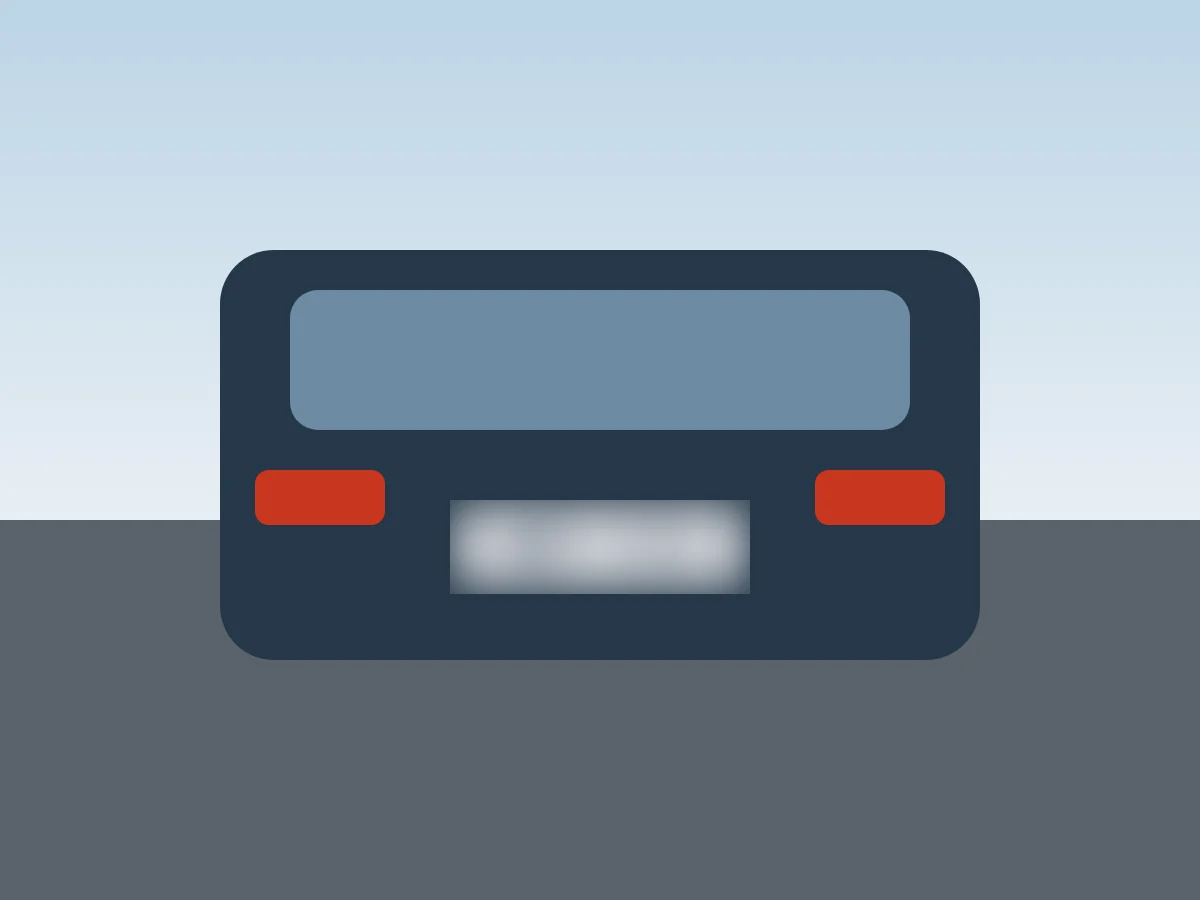
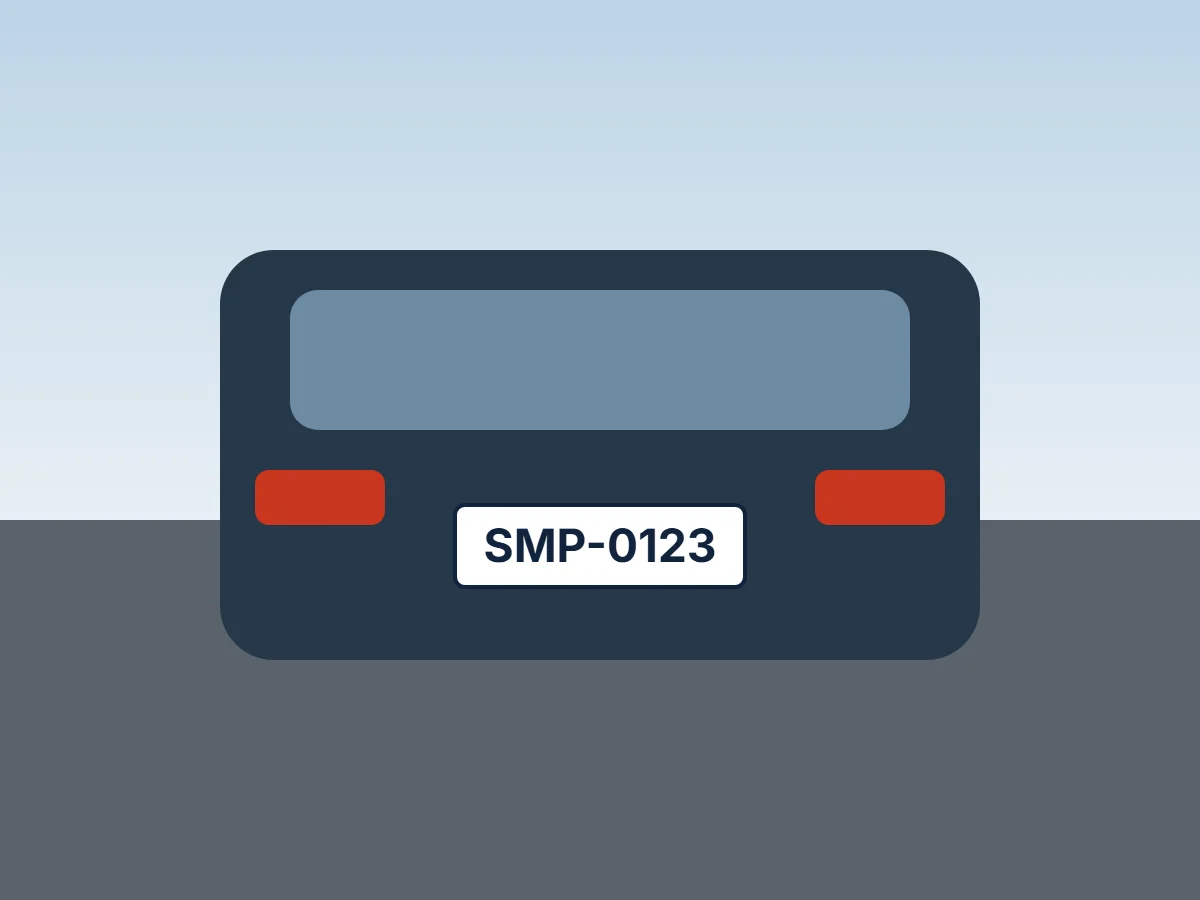
A car's license plate blurred in a travel photo.
THREE STEPS
Choose a JPG, PNG or WebP up to 12 MB. It opens in your browser and is not uploaded.
Drag a box over each piece of text you want to hide. Pick Blur, Pixelate or Solid, and set the strength.
Download the image with the effect built into the pixels and the file's metadata removed.
CHOOSE THE RIGHT EFFECT
Replaces the area completely, so nothing can be recovered. Best for passwords, card numbers, account details and addresses.
Turns text into large squares that are hard to read. Use the Strong setting for anything sensitive.
Looks the most natural in photos, but light blur on short text can sometimes be read or reversed. Use Strong, or choose Solid for sensitive details.
Worth noting: Blurring hides text for most viewers, but it is not encryption. For passwords, card numbers or ID numbers, use a solid block.
COMMON USES
Names, phone numbers and profile details before posting a conversation.
Addresses, tracking numbers and barcodes in product or unboxing photos.
Email addresses, customer names and internal data in tutorials and bug reports.
Car plates in street, travel or real estate photos.
Personal details on a page that appears in the background of a picture.
Other people's names in comments, reviews or leaderboards.
| You want to | Use |
|---|---|
| Hide private details so they cannot be read | Blur Text in Image (this tool) |
| Make the text disappear and rebuild the background | Remove Text from Image |
| Change the words to something else | Edit Text in Image |
TEXT BLUR QUESTIONS
Upload the picture, drag a box over the text, choose Blur, Pixelate or Solid, and download. You can add as many boxes as you need.
Yes. There is no charge, no sign-up and no watermark.
No. The image is processed in your browser and never sent to our servers.
Light blur on short text can sometimes be read or partly reversed. Use the Strong setting, or a solid block for passwords, card numbers and other sensitive details.
Solid block. It replaces the pixels completely, so nothing underneath can be recovered.
Yes. Draw a box over each area and use Apply to all boxes to give them the same effect.
No. The download is a new image without the original file's metadata.
Yes. The tool works in mobile browsers with a full-screen editor; drag with one finger to draw a box.
FREE TEXT BLUR TOOL
Free, in your browser, nothing uploaded.
Upload an imageOnly blur images you own or have permission to share. Do not use this tool to hide information in a way that misleads others, such as altering documents or records.