Transparent background
Only the letters are saved. Place the PNG over any photo, video or design without a box around it.
FREE TEXT PNG MAKER
Type your words, style them with 10 fonts, outlines and shadows, and download a PNG with a transparent background. Free, runs in your browser, no sign-up.
MADE WITH THIS TOOL
Each example was made with the tool above and downloaded as a transparent PNG.
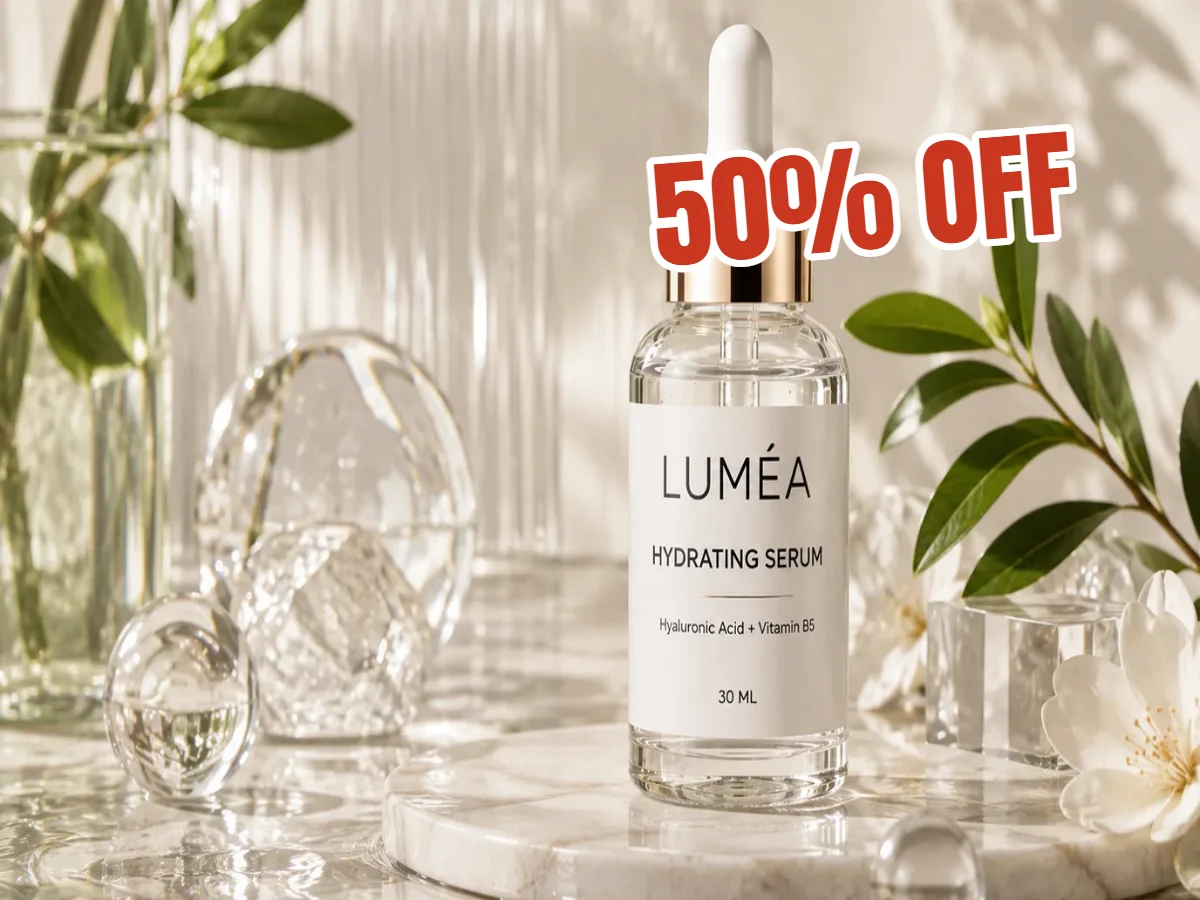

"50% OFF" in Anton with a white outline, placed on a product shot.
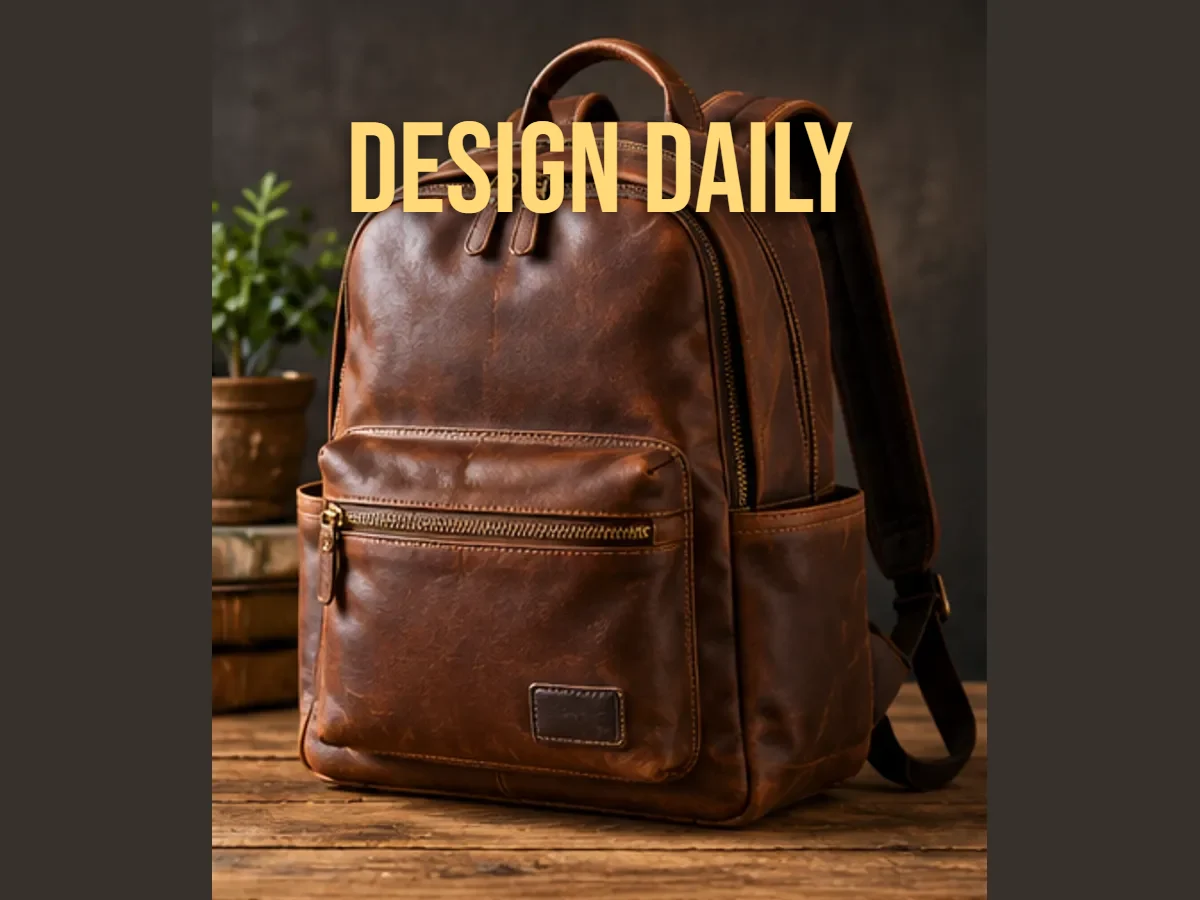

A bold name in Bebas Neue with a soft shadow, ready to drop into a video thumbnail.
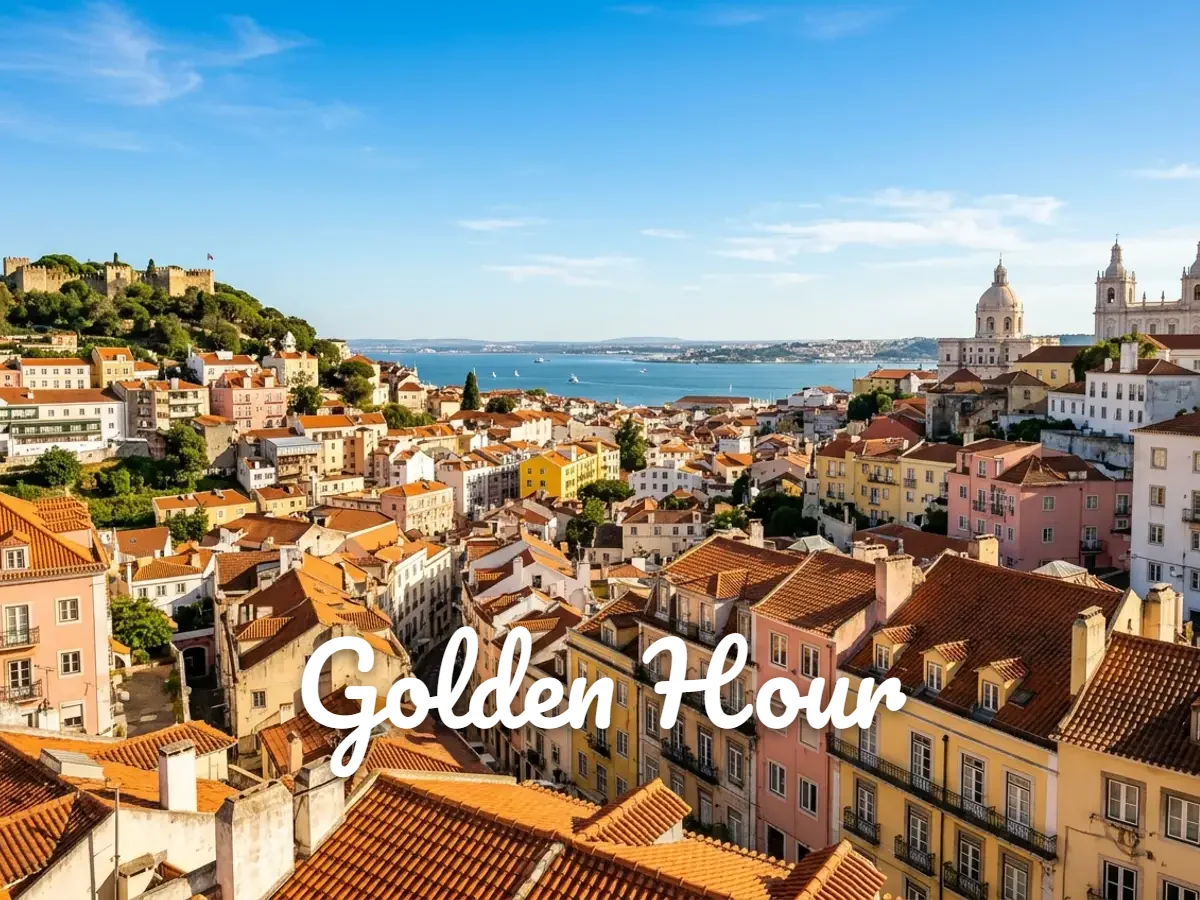
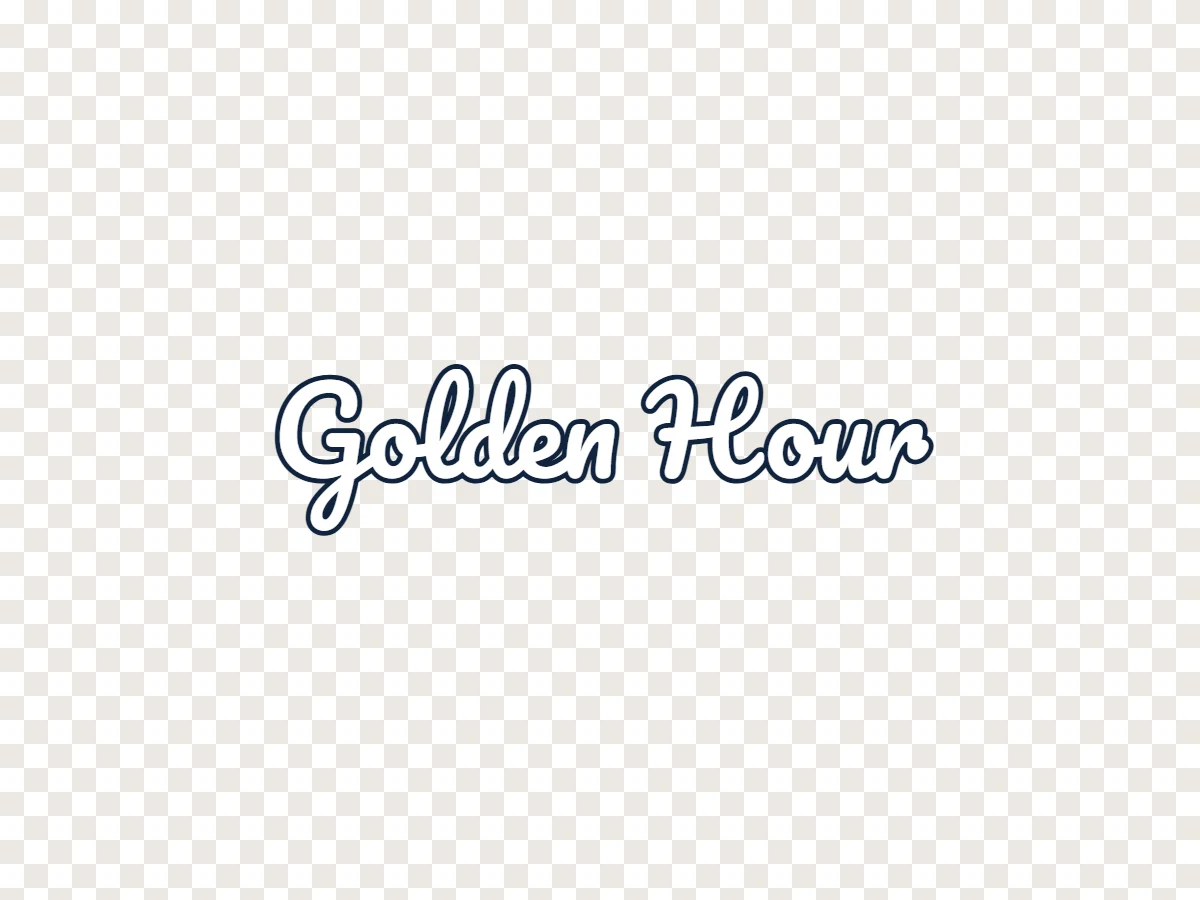
A short quote in Pacifico, layered over a photo in any editor.
THREE STEPS
Click the text on the canvas and type. Add more text boxes for a second line, a name or a date.
Choose a font, color and size, then add an outline, shadow or background box. Pick a canvas size, or leave Trim to text on to cut away empty space.
Download a PNG with a transparent background, ready to place on photos, videos, slides or designs. No watermark.
FEATURES
Only the letters are saved. Place the PNG over any photo, video or design without a box around it.
From clean sans-serif and bold poster type to handwritten styles, loaded only when you need them.
Make text readable on any background with a stroke, a soft shadow or a solid box behind it.
Cut the empty space around your words automatically, so the PNG is exactly as big as the text.
Start from square, wide, tall or banner sizes, or set your own up to 4096 pixels.
Everything happens in your browser. Nothing is uploaded, and there is no sign-up.
IDEAS
Titles and channel names to drop into video thumbnails.
Sale badges, prices and labels for shop images.
Styled headings that look the same in any app.
Captions and quotes layered over photos and videos.
A simple text mark to place on your own photos.
Text stickers for chats, streams and video edits.
BEST PRACTICES
TEXT TO PNG QUESTIONS
Type your words on the canvas above, choose a font and style, and click Download PNG. The file has a transparent background, so only the letters show.
Yes. The checkerboard pattern shows transparent areas; it is not saved in the file. Turn on Color background if you want a solid background instead.
Yes. There is no charge, no sign-up and no watermark.
Ten fonts, including Inter, Montserrat, Anton, Bebas Neue, Playfair Display, Lobster, Pacifico and Permanent Marker.
With Trim to text on, the PNG is cropped to your text plus a small margin. Otherwise it matches the canvas size you chose, up to 4096 pixels on the longest side.
Yes. Place it in any photo, video or design app that supports PNG transparency.
No. The PNG is created in your browser and nothing is sent to our servers.
Not with this tool; it creates new text. To change words inside an existing image, use the Image Text Editor.
FREE TEXT PNG MAKER
Free, in your browser, no sign-up and no watermark.
Start typing